LFO Rack adds continuous, shapeable motion across your QLab faders, play rate, and spatial position — from subtle gestures to lively animation — with reliable randomness that keeps a loop from ever sounding like a loop.
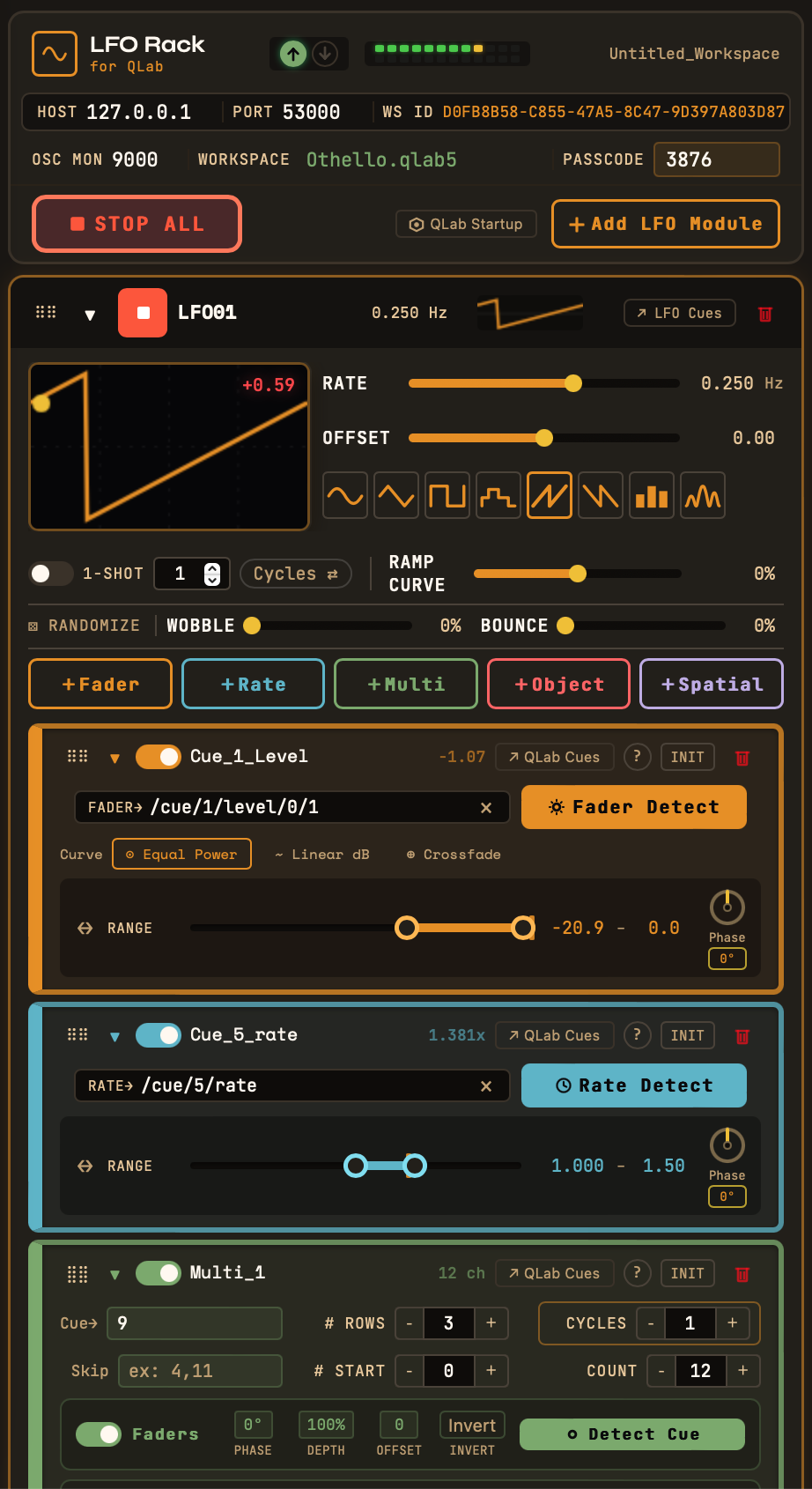
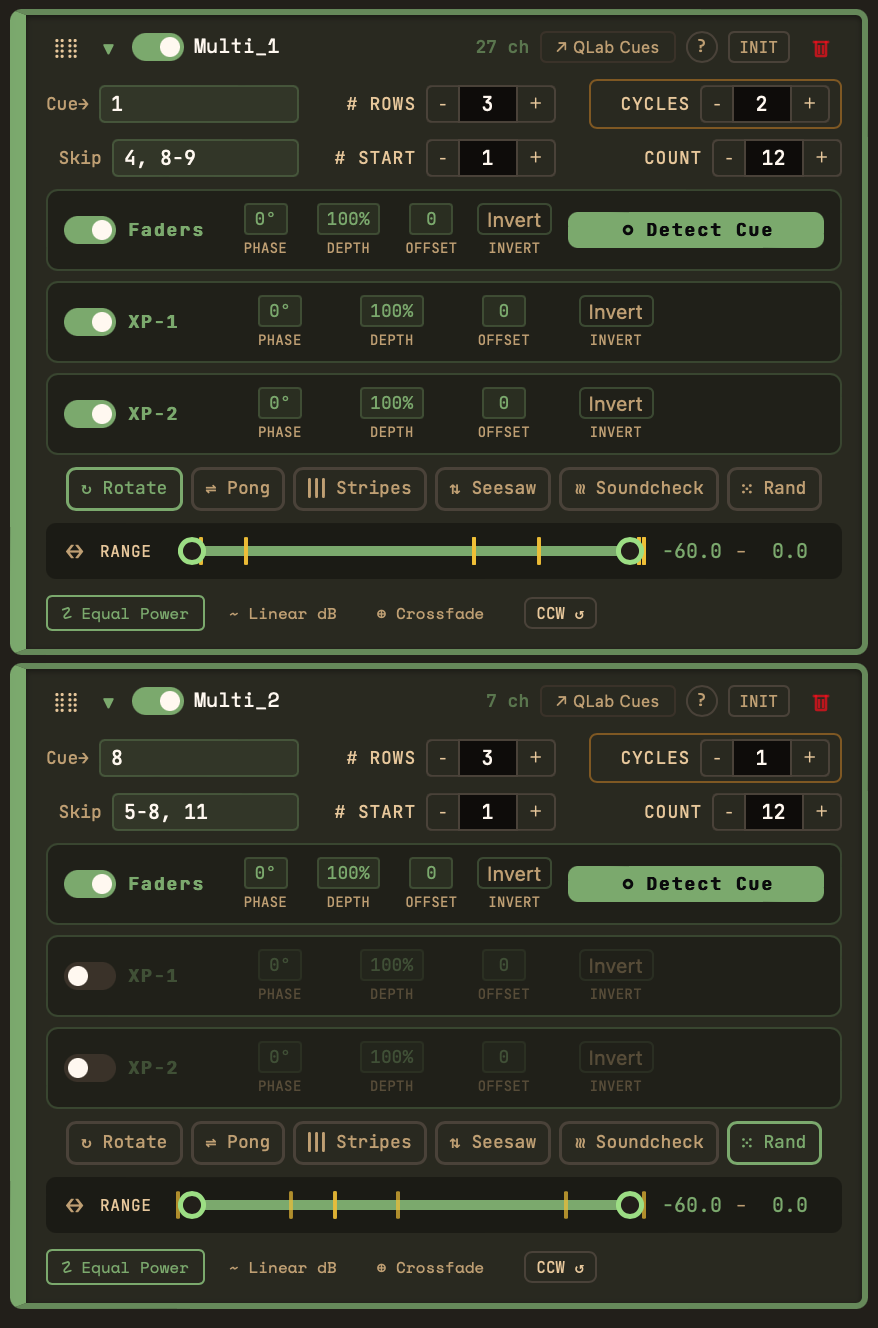
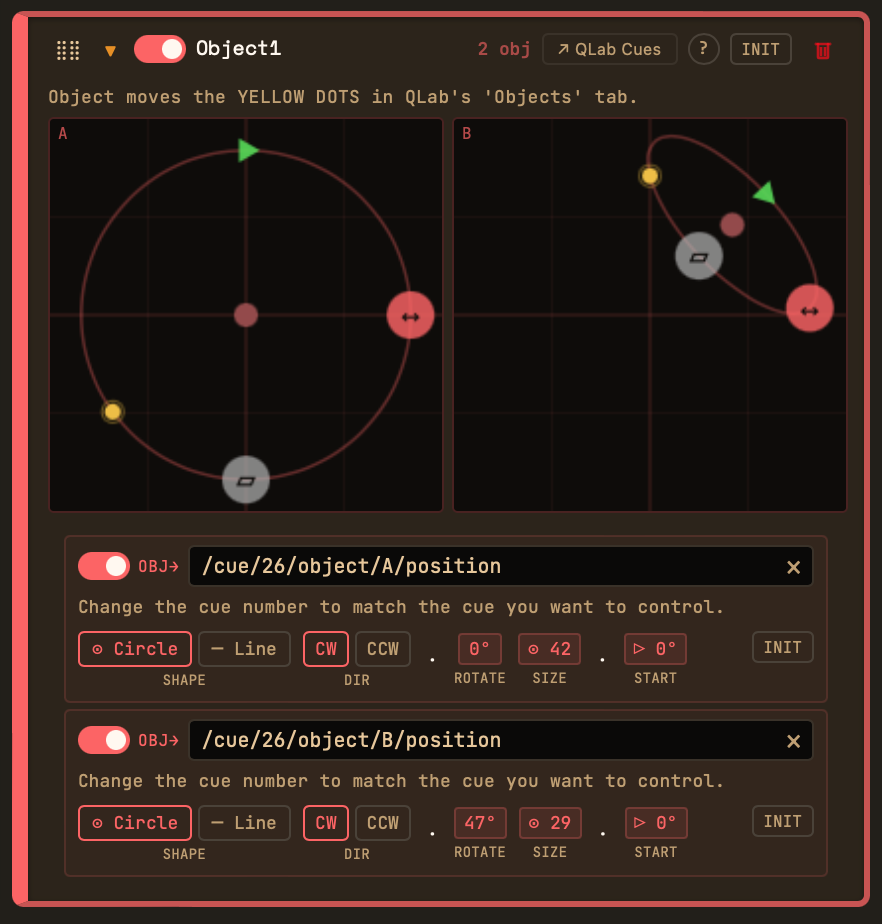
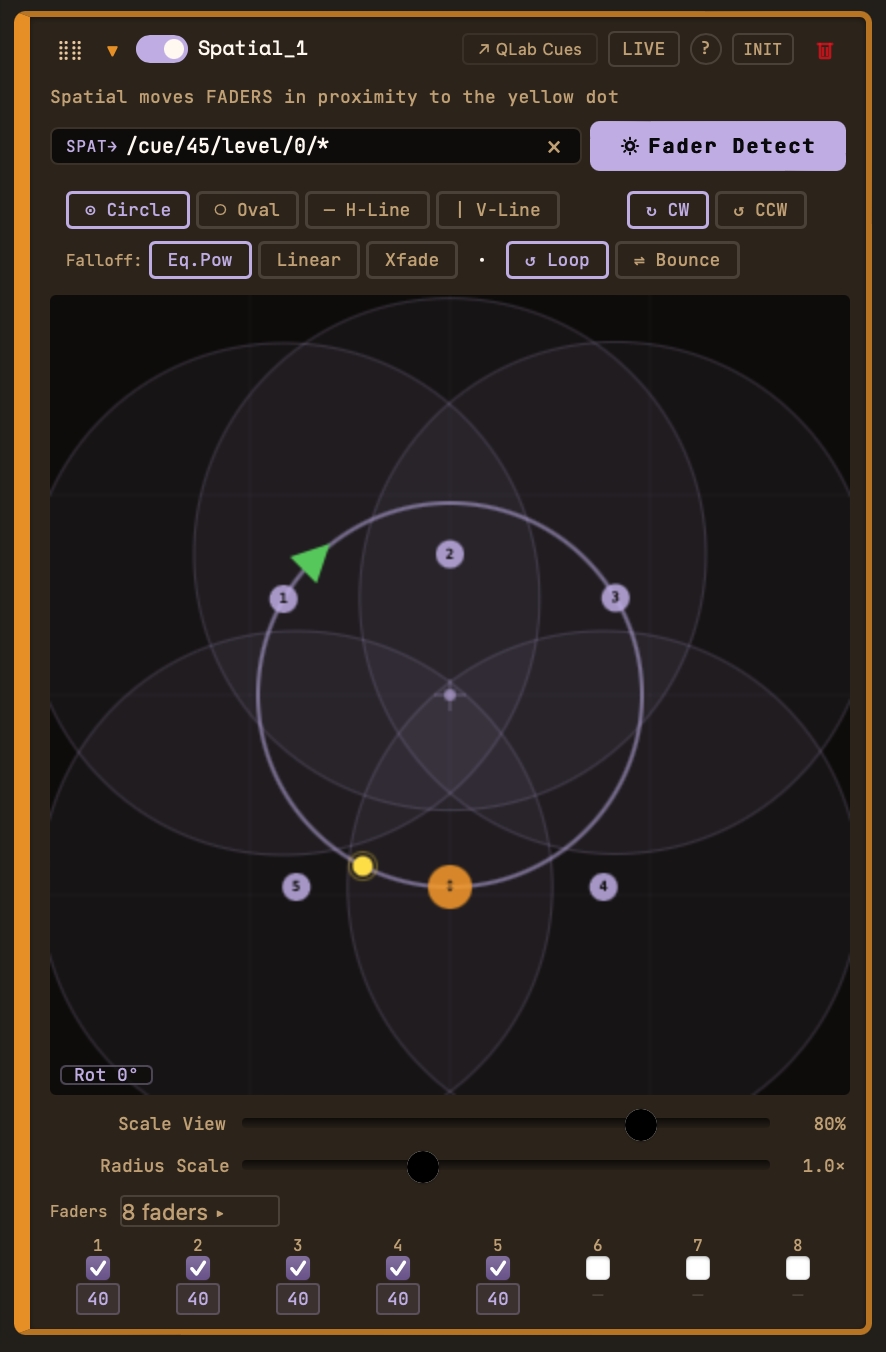
Each Oscillator can drive several Target Units that control QLab parameters in real time. Easily link LFO Rack to Qlab using the Detect function.
Continuous movement — seven LFO shapes, random modes, full control over the range, speed, and offset of the targeted parameters.
Volume that swells and recedes, in regular or irregular intervals — sound that never sits still.
Pitch drift that can chorus a sound against itself, or create wild tape-stop dives and seasick warbles.
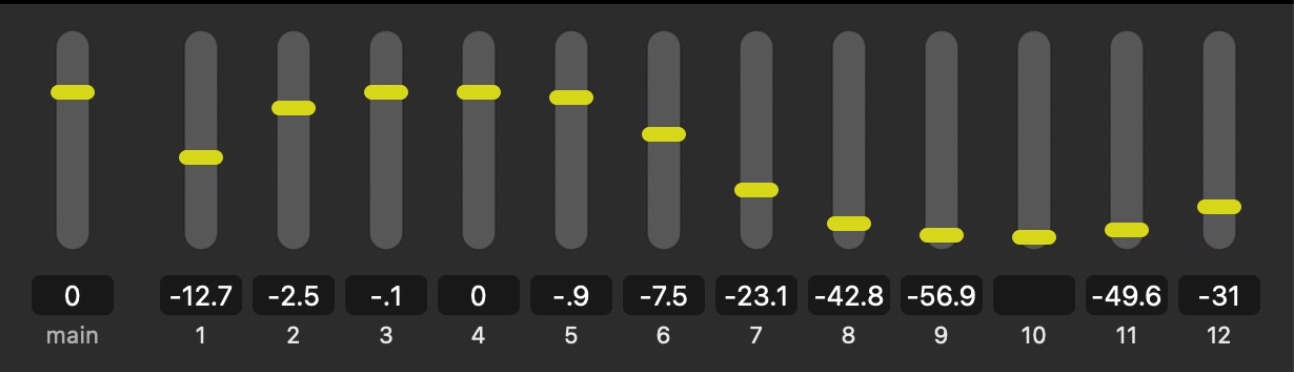
Drive a whole bank of faders or crosspoints at once. Use phase-offset and random modes to subtle or wild effect — hypnotic to watch, generated live from one rack.
Uses Qlab's Object tab to move QLab's "audio object" (the yellow dot) continuously around a space.
A proximity dot sweeps around custom loudspeaker positions — up to 32 channels: linear and circular spatial audio movement.
Wind never gusts the same way twice. No tide comes in quite the same. LFO Rack brings reliable irregularity to your design — from one rack of integrated controls.
Download LFO Rack for the free 14 day trial, after which one Fader unit will remain unlocked. Paid versions unlock all five Target Units and unlimited use.
Yes. LFO Rack is intended to be used alongside QLab, ideally on the same computer. It doesn't replace or include QLab.
No. LFO Rack runs on your show computer and communicates locally over OSC. License activation is done offline.
macOS 11 (Big Sur) and later, on both Apple Silicon and Intel.
Your license key is generated from your computer's hardware ID and activates offline. Paid tiers cover two computers — a primary and backup show computer.
No — LFO Rack is independent, and not affiliated with or endorsed by Figure 53. We're big admirers of QLab, and built LFO Rack to complement it. "QLab" is their trademark, used here only to describe interoperability.
The free Lite tier and 14-day trial let you evaluate fully first. See our Refund Policy for the details.
Get a notification when LFO Rack ships — and take advantage of early-bird pricing.